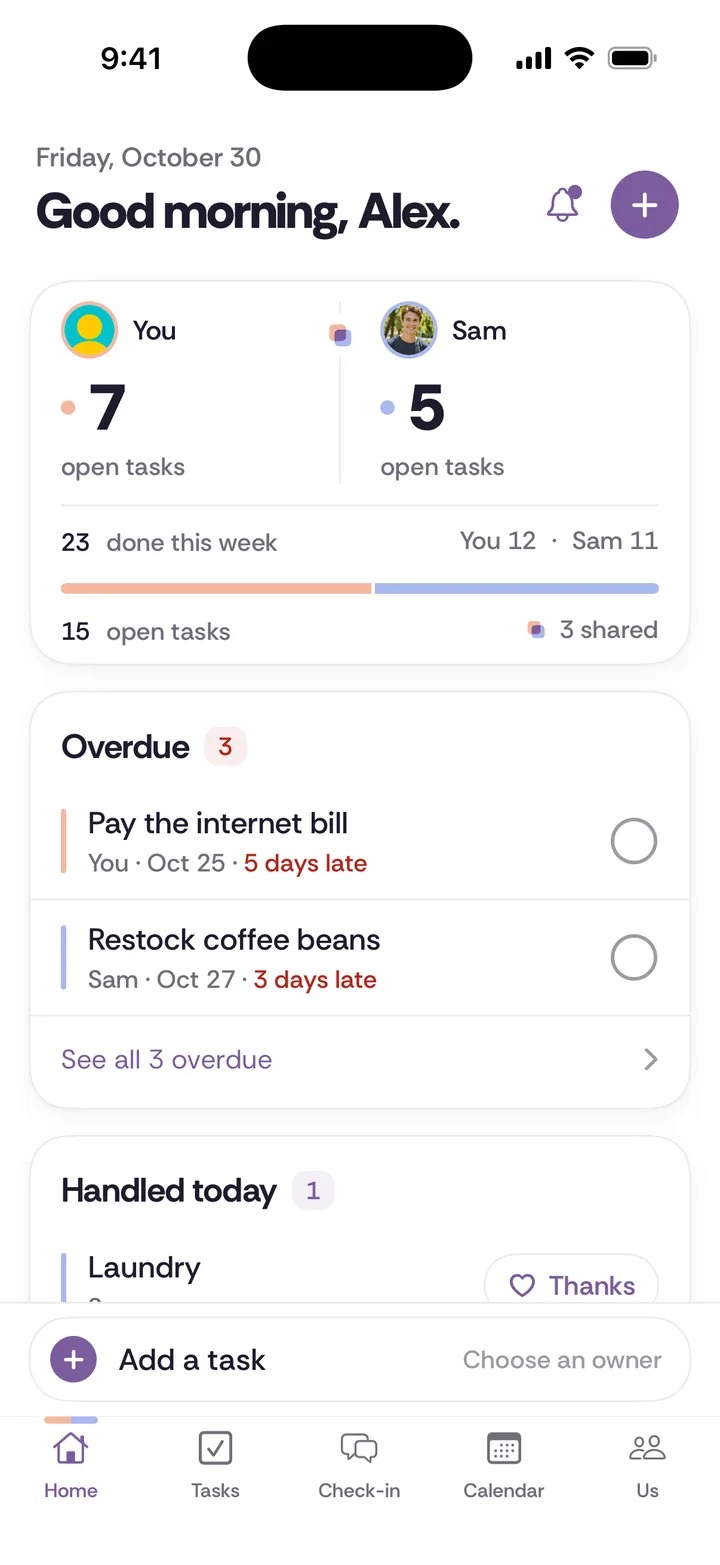
A shared list for couples is a list you can both add to, check off and trust in the store. Lists in Tiptoe sit inside the Tasks tab: grocery, packing, shopping and custom lists, each with a clear name, quantities and details, and items you check off as you go.
Who is this for?
Couples who have had the "did you get the thing?" phone call from the cereal aisle. A wife texting a photo of the empty spice jar, a husband guessing which yogurt, a girlfriend packing for a trip off a list only her boyfriend can see. If the list lives in one person's phone or head, the other person is shopping blind.
What problem does it solve?
Lists look like the easiest part of running a home, but they carry a quiet load. Someone notices the milk is low. Someone remembers the brand that does not upset the baby. Someone checks the list before leaving. When only one partner does that noticing, the other can do the shopping and still come home with the wrong thing.
A shared list moves the noticing to whoever sees it first. You use the last of the olive oil, you add it. Your partner is at the store, they see it. Nobody has to remember on the other's behalf.
How it works, step by step
Step 1. Open Tasks and create a list. Lists sit next to your tasks and chores, so everything for the house is in one tab.
Step 2. Give it a clear name. "Groceries" works. "Costco run," "Cabin trip packing," and "Nursery stuff" work better than one list called "the list," because "the list" stops meaning anything once you have three.
Step 3. Add items while you remember them. Add the quantity and the useful detail at the moment you notice: "2 lb ground turkey, 93% lean," "AA batteries, 8 pack," "the blue dish soap, not the green."
Step 4. Check items off as you go. In the store, you check off what goes in the cart. Whoever looks next sees what is left.
Step 5. Keep surprises out of shared lists. Lists and their items are shared with your partner. If you are planning a gift for them, keep it in private gift ideas in their profile instead.
Three household examples
- The weekly grocery list. One list, named "Groceries," open on both phones. Each of you adds items the moment something runs out. Whoever is near a store that day takes the list. The detail field ends the "which one?" calls: "oat milk, the barista one."
- Packing for a family trip. A list named "Beach week" with everything for both adults and the kids. You each pack your own items and check them off, and the shared items (sunscreen, chargers, the travel monitor) are visible so nobody assumes the other one packed it.
- Moving into a new place. A "New apartment" list of things to buy: shower curtain, extension cords, a second set of keys cut. Separate from groceries, so it does not get lost under the bananas. The list of household chores helps you spot what a new place needs.
Lists or tasks?
Use a list for items you pick up or pack. Use a task when something has an owner and a deadline. "Buy printer ink" is a list item. "Set up the new printer by Friday" is a task with one owner, and it belongs in Tasks. Chores that repeat on a schedule belong in chores.
That distinction matters. If a list item keeps sitting there for weeks, it is probably a task that nobody owns. Move it and give it an owner.
What it does not do
- The feature page describes names, quantities, details and check-offs. It does not describe giving a list item its own owner or due date, so if an item needs an owner, make it a task.
- The feature page does not describe aisle sorting, recipe import, price tracking or store integrations, so do not count on any of them.
- Everything on a list is shared with your partner. There is no private list on the feature page; use private gift ideas or a private task for surprises.
- There is no Android app. A partner without an iPhone can use the web app at app.tiptoe.ai, which shares the same data.
- Lists are included in the free account. Pro is $9.99 a month for both of you and adds unlimited tasks and chores, Insights, every past check-in and a calendar feed.
How does it compare to a notes app, Apple Reminders or paper?
A shared note is what most couples already use for groceries, and it is quick to type into. It works until two people edit at once, items never get removed, and nobody is sure whether "eggs" is from today or last month. If a shared note works for you, keep it.
Apple Reminders is a good choice for groceries if you both use iPhone. As of November 2026, Apple's support page says the people you share a list with can add items, delete items and mark them as completed, and it describes splitting up "tasks or grocery items" by assigning them. The Tiptoe lists page does not describe assigning single items, so choose Reminders if you want each grocery item tied to a person. Our Apple Reminders for couples guide covers the setup.
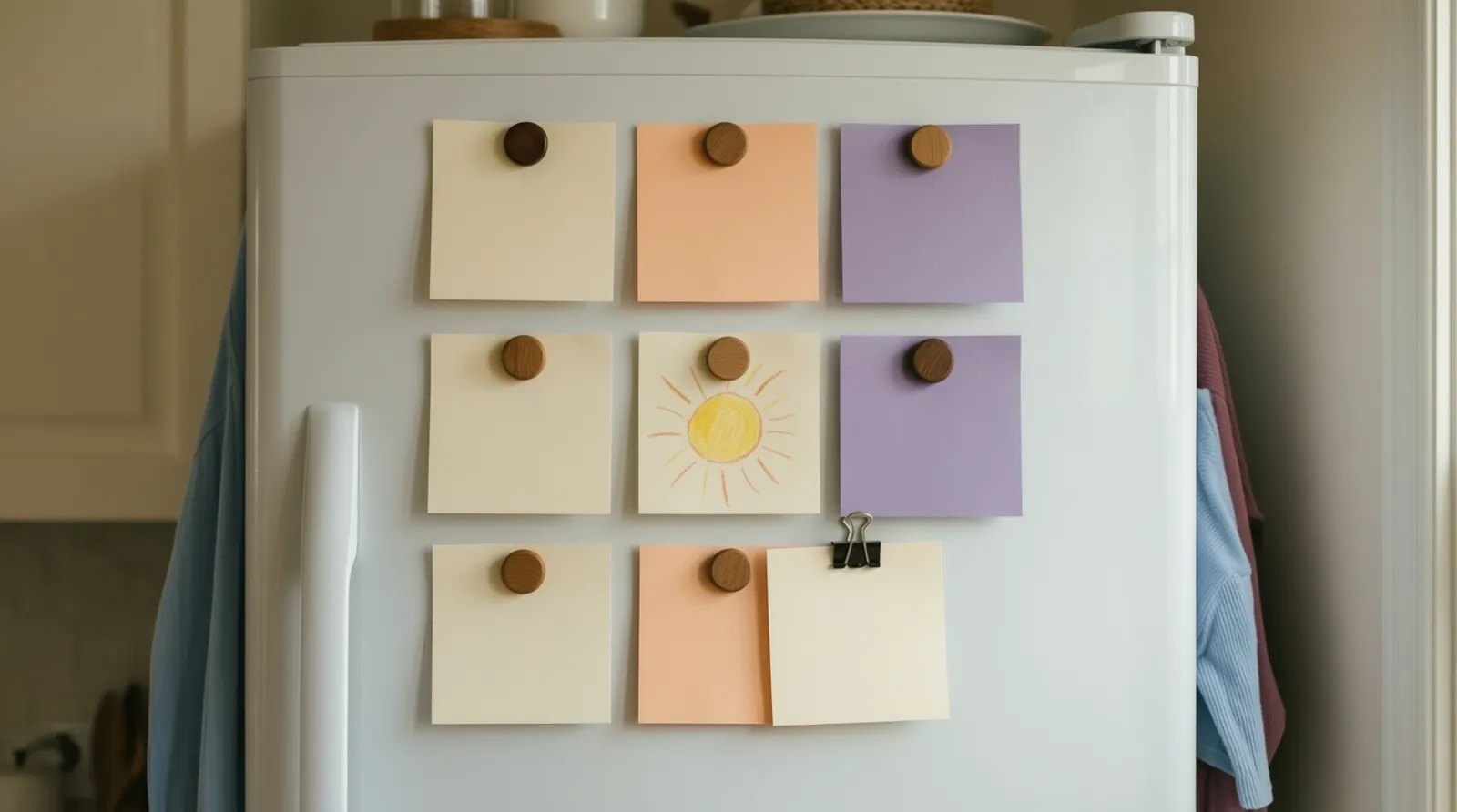
Paper on the fridge is free and the whole household can see it. It is also the list that stays at home when you are at the store. A free trick that helps: whoever leaves for the store takes a photo of it. That works fine for one shopper, and less well when both of you are out.
Tiptoe makes sense when you want the lists in the same place as the tasks, chores and calendar you already share, instead of in a separate app.
How to start this week
Make two lists only: one for groceries and one for whatever is coming up next (a trip, a move, a holiday). Agree on one rule: whoever uses the last of something adds it right then. After a week, check whether the store calls have stopped.
Related guides
- Shared to-do list for couples
- Best shared to-do list apps for couples
- How to stop nagging
- The four jobs behind every chore
- Partner profiles and private gift ideas
Questions about lists
What is the best shared grocery list app for couples?
One you both already open, where either of you can add and check off items. Apple Reminders works well if you both use iPhone. Tiptoe keeps grocery, packing and shopping lists next to your tasks and calendar, on iPhone and the web.
How do I share a grocery list with my husband or wife?
Put it in an app you can both edit, name it clearly, and agree that whoever uses the last of something adds it right away. In Tiptoe, lists inside Tasks are shared with your partner automatically.
Can my boyfriend or girlfriend see my shopping list?
In Tiptoe, yes. Lists and their items are shared with your partner. For a gift you are planning for them, use private gift ideas instead.
Can you make a packing list for a trip together?
Yes. Create a list with a clear name such as "Beach week," add items with quantities and details, and each of you checks items off as you pack.