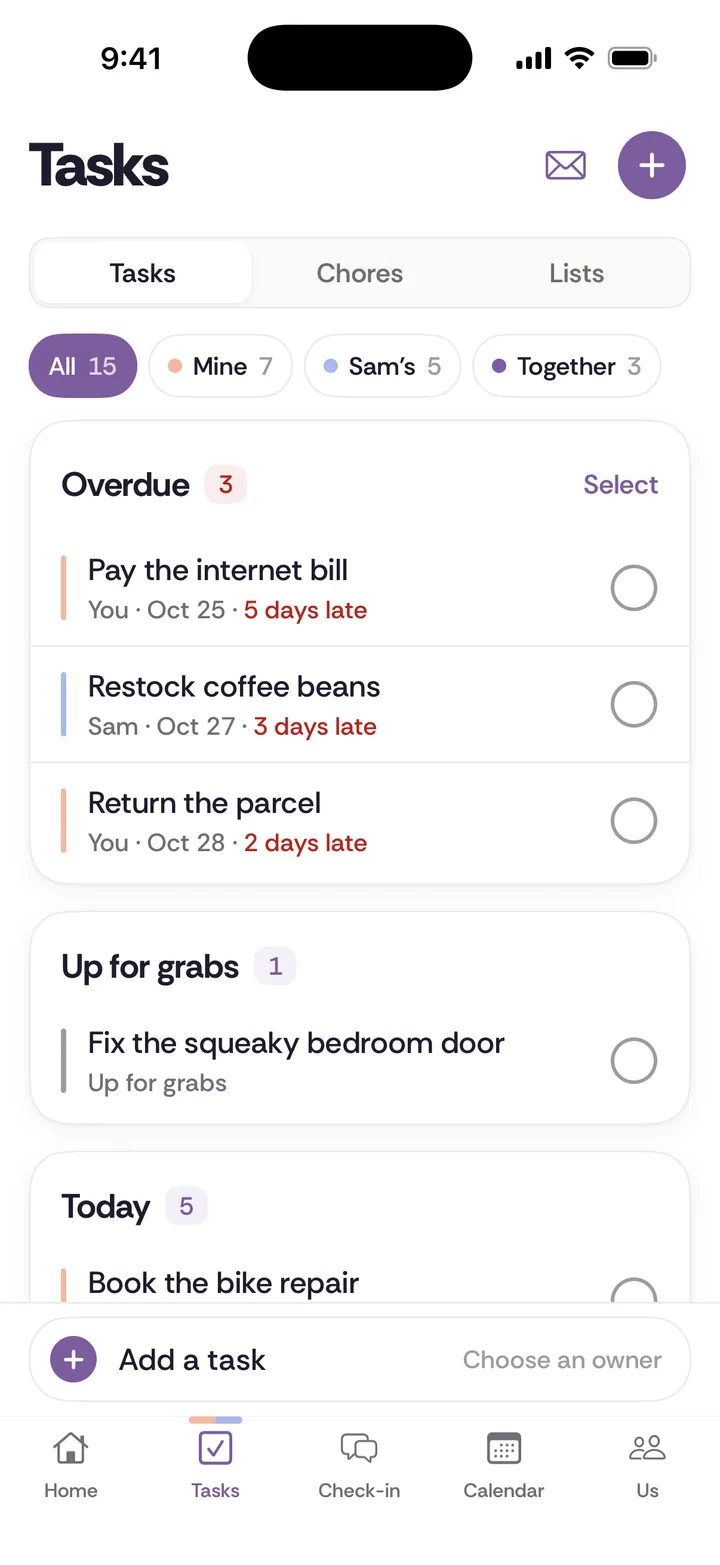
A shared to-do list for couples works when every task has one owner, a due date and enough detail that the owner can finish it without asking. Tasks in Tiptoe give each item an owner (you, your partner, or both of you), so the person who wrote it down stops being the person who has to chase it.
Who is this for?
It is for any couple where one person has quietly become the household reminder. That might be a wife who keeps the dentist, the car and the school forms in her head, a husband who tracks every bill, a boyfriend or girlfriend who just moved in and is still learning how the place runs. The setup does not matter. What matters is that one person is holding the list and the other is waiting to be told.
What problem does it solve?
Every household task has four jobs inside it: noticing it needs doing, planning it, doing it, and following up. Most couples split the doing and leave the other three with one person. That person ends up asking "did you call the plumber?" three times, and both of you hate how it sounds. You can read more on this in the four jobs behind every chore.
A task with a named owner moves all four jobs at once. If "Renew the car registration" belongs to your partner, they notice the deadline, they find the form, they pay, they confirm it went through. You do not have to remember it for them. That is ownership, not helping.
How it works, step by step
Step 1. Add the task in the Tasks tab. Write it so someone else could finish it cold. "Vet" is a note to yourself. "Book Milo's checkup, mornings only, he needs his rabies shot" is a task.
Step 2. Choose an owner. Assign it to you, your partner, or both of you. If neither of you has claimed it yet, leave it in Up for grabs until someone picks it up. Up for grabs is honest: it says "this is not handled" out loud instead of letting it sit in one person's head.
Step 3. Add a due date and notes. The notes are where the handoff lives: the phone number, the account login hint, what you already tried, which size to buy. Good notes mean the owner never has to come back and ask.
Step 4. Set a repeat for anything that comes back. Filter changes, the quarterly bill, the monthly payment that is not on autopay.
Step 5. Mark anything secret as private. Tasks are shared with your partner by default. A task marked private stays yours, which is where "buy the birthday present" belongs.
Step 6. Check Home. Overdue tasks show up first on Home. If one of your partner's tasks is overdue, you can send a nudge from there instead of saying it across the kitchen.
Step 7. Mark it done. A completed task counts for the person it was assigned to, so credit follows the owner without anyone keeping score. Send a thank-you if you like.
Three household examples
- The car registration. It arrives by mail in a pile nobody opens. One partner adds "Renew registration, due the 30th, emissions test first" and assigns it to the other, who drives that car. The notes hold the test location. When it is overdue, a nudge replaces the third conversation about it.
- The daycare form. It needs a signature, a copy of the vaccine record and a drop-off by Friday. Assigned to both of you, because it really does need both. The notes say who is getting the record and who is signing.
- The returns pile. Two boxes by the door for three weeks. Instead of "can you deal with the boxes," one task goes to Up for grabs on Sunday: "Return the shoes and the lamp, labels printed, drop at the post office." Whoever picks it up owns it to the end.
What it does not do
Be clear on the limits before you set it up.
- It does not decide who owns what. You still need that conversation. The complete chore split guide walks through it.
- It does not make an unwilling partner engaged. A task list makes the work visible. It does not do the talking for you. If the issue is bigger than logistics, start with when your partner doesn't help.
- There is no Android app. A partner without an iPhone uses the web app at app.tiptoe.ai, which shares the same data.
- The free account includes the couple's first 30 tasks and chores, combined. Every one you create counts, open or done, and deleting one does not give it back. Pro is $9.99 a month, covers both of you, and adds unlimited tasks and chores and email tasks in.
How does it compare to a notes app, Apple Reminders or paper?
A shared note is the fastest place to start. Anyone can type a line. But a line in a note has no owner, no due date and no nudge, so it falls back on whoever reads the note most. Notes work well for reference (the wifi password, the paint color). They work badly for "who is doing this, and by when."
Apple Reminders is a strong option if you both use iPhone and want nothing new. As of November 2026, Apple's support page says you can share a list, and the people you invite can add, delete and complete items. You can assign a reminder to someone, but only after the list is shared. Apple also notes that notifications you set for your reminders are not shared with anyone else, so the alert you set will not reach your partner. Choose Reminders if you only need assignments on a list and you already live in it. Our Apple Reminders for couples guide has the full setup.
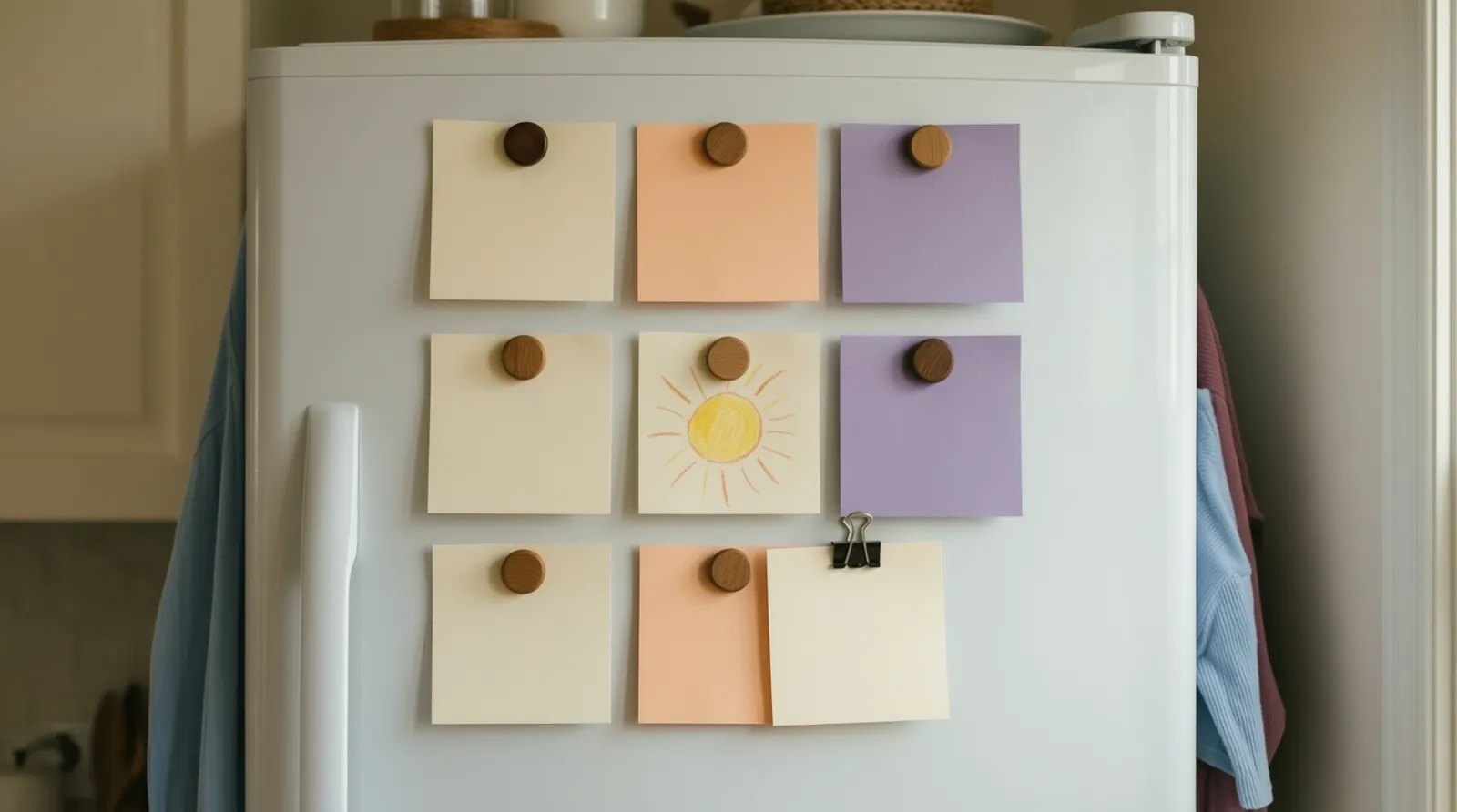
Paper is free and needs no setup. A list on the fridge with initials next to each item and a date is a real system, and plenty of couples run on it. It cannot nudge, it does not come with you to the hardware store, and it does not keep a record of who did what. If you want to try ownership before any app, use paper for two weeks: every item gets one set of initials and a date. If that works, you may not need anything else.
Tiptoe is the next step when you want the owner, the due date, the overdue nudge and the thank-you in one place you both see, on iPhone and on the web.
How to start this week
Pick three tasks that are currently living in one person's head. Write them out with notes, give each one owner, and set a date. Do not migrate your whole life on day one. At the end of the week, look at which ones got done without a reminder. That tells you more than any setup screen.
If you want words for the first conversation, the what to say tool has scripts. If you are not sure the work is uneven, take the mental load test together first.
Related guides
- Shared to-do list for couples: how to make it work
- Best shared to-do list apps for couples
- How to stop nagging and share the whole chore
- Chores with one owner and shared lists
- List of household chores
Questions about tasks
How do I share a to-do list with my husband or wife?
Put the list somewhere you both open every day and give every item one owner and a date. In Tiptoe, you both join one shared space and each task is assigned to you, your partner, or both of you. Apple Reminders also lets you share a list and assign items once it is shared.
Can my boyfriend or girlfriend see all my tasks?
Tasks in Tiptoe are shared with your partner by default. A task you mark private stays yours, which is the right place for a surprise or a gift.
How do I remind my partner about a task without nagging?
Agree on the owner and the date up front, write the details into the task, and let the system do the reminding. In Tiptoe, overdue tasks show first on Home and you can send a nudge on one your partner owns, instead of bringing it up again in person.
Is there a free shared to-do list app for couples?
Tiptoe is free for both partners with no card, and the free account includes the couple's first 30 tasks and chores combined. Pro is $9.99 a month for both of you and adds unlimited tasks and chores. A paper list on the fridge with initials and dates is a free way to start.