Household admin is the office work of running a home: paying bills, booking the repair, renewing the registration, filling out the camp form, sitting on hold with the insurance company. In most couples someone has quietly become the home's office manager. Admin is often the easiest part of the mental load to divide, because it has clear edges.
Where the idea comes from
"Household admin" is everyday language. The closest scholarly source is law professor Elizabeth Emens, who is on the Columbia Law School faculty. Her article "Admin" appeared in the Georgetown Law Journal in 2015, followed by the book Life Admin in 2019. Her publisher, Penguin, describes life admin as "the kind of secretarial and managerial work necessary to run a life and a household", including booking doctor visits and paying bills, and calls it "an unseen form of labour".
Allison Daminger's research on cognitive labor covers the thinking around these tasks: anticipating, identifying options, deciding and monitoring. Admin and cognitive labor overlap but aren't identical. Deciding which daycare to use is cognitive labor. Filling out the daycare's 11-page packet is admin.
What it looks like
Admin hides inside events that look simple from the outside.
- The appliance repair. Find the model number, describe the problem, compare times, arrange access, take the day's calls, confirm that it was fixed, save the invoice.
- The insurance claim. Find the policy, upload the receipts, follow up twice, check the reimbursement arrived.
- Registration. Car, passport, library card, pet license, domain name. Each has its own date, its own website and a login someone has forgotten.
- School. Forms, fees, photo day, the portal, the volunteer sign-up, the vaccination record they're suddenly asking for.
- Moving. Forwarding the mail, transferring utilities, changing addresses at the bank, updating everyone who has the old one. We have a guide for that first month.
- Taxes. Not just filing, but keeping the receipts, finding the 1099 and remembering what you need all year.
What it is not
- It is not trivial because it's boring. A missed renewal or an unpaid bill has real costs.
- It is not the same as cleaning or cooking. Those produce something you can see. Done well, admin produces nothing at all, except the absence of a problem.
- It is not automatically the job of whoever is "good at it". Being organized is often the result of having been stuck doing it for years. Anyone can learn the insurance portal.
- It is not shared because both of you have the password. Access is not ownership. Someone still has to look.
- It is not all necessary. Autopay, cancelling the unused subscription and saying no to the volunteer sign-up each remove admin altogether.
How to split it
Divide admin by area rather than by item.
Step 1. Spend 20 minutes together listing every recurring piece of admin. Group them: money, health, home, car, kids, family, paperwork.
Step 2. Cut first. Automate what you can, and drop what you can. Be honest about what's just habit.
Step 3. Assign each whole area to one person. "Health" works better than "you book, I remember", because it keeps the noticing with the doing.
Step 4. Put the shared information in one place: logins, policy numbers, the vet's phone number. Both partners should be able to find these if one is away or sick.
Step 5. Set a small review. Once a month, each owner mentions what's coming up in their area, in one sentence.
You could start it this way:
"I think I've turned into the office manager here, and I don't want that job. Can we list it all out on Saturday and each take some whole areas? I'd love to hand off health and keep money, if that works for you."
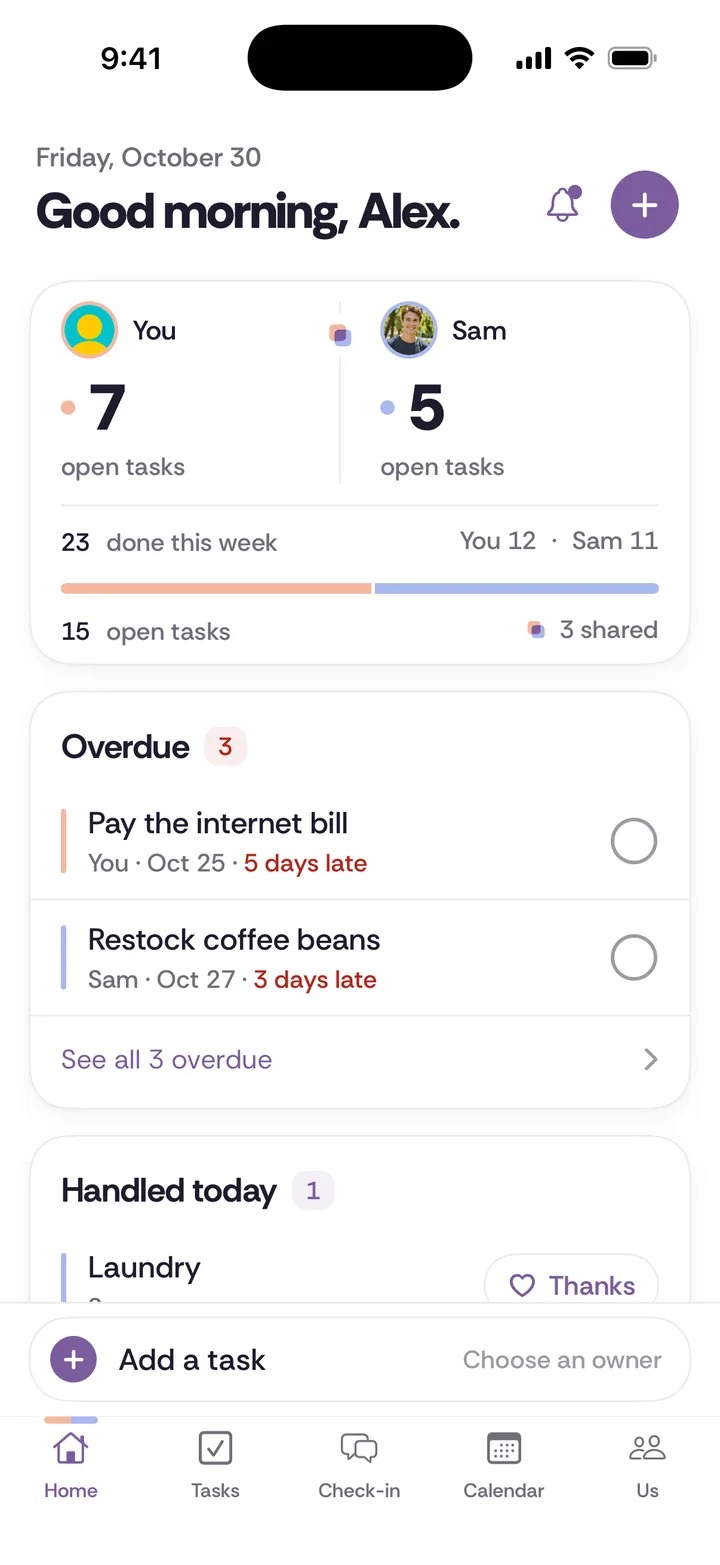
A spreadsheet or a sheet on the fridge is free and does this fine. Our chore split worksheet can also help. In Tiptoe, tasks have an owner and due date, and chores can repeat monthly or quarterly, which suits renewals. A shared calendar helps with the rest.
Household admin vs mental load
Think of mental load as the thinking, and admin as the desk work that the thinking produces. Realizing the passports expire before the trip is mental load. Filling out the forms, getting the photos and tracking the renewal is admin. It's often easier to start with admin, because it's concrete, which lets you practice handing things over before you take on the harder, more diffuse part. Just check that the noticing moved too, or you'll have a helper instead of an owner.
Questions about household admin
What counts as household admin?
Bills, appointments, forms, renewals, insurance, taxes, school paperwork, calls to providers and anything that involves a login or a phone menu. A good test is whether it would look like office work if someone were paid to do it.
How do couples split household admin fairly?
Assign whole areas to one person, such as health to one and car to the other, instead of splitting individual items. Cut what you can, then keep shared information in one place. Check in monthly and rotate if one person's area has grown.
My wife or husband handles all the paperwork. Is that a problem?
Not if you both chose it and the rest of the work balances. It's worth a look if it was never discussed, if only one person could find anything in an emergency, or if the person doing it would rather not.